From photo to chart, stitch by stitch.
Turn a photo into a symbol chart sized for your Aida count: stitches across divided by the count is the finished width in inches. You get bold lines every 10 stitches, a color key with stitch counts and the fabric to cut. Your photo never leaves your device.
Upload a photo to make your chart
Pets, flowers, a favorite place. Simple pictures with clear shapes chart best.
Exact numbers, every assumption shown
Upload a photo
It is processed right in your browser and never uploaded. Simple pictures with clear shapes and a plain background chart best.
Set size and colors
Aida 11, 14, 16 or 18 count, width in stitches or inches, 2 to 40 colors, median cut or k-means color reduction, dithering if you want it.
Stitch from the chart
One square is one cross. Finished size is stitches ÷ count, and the fabric size adds 3" on every side for hooping and framing.
Try everything, no account needed
- Photo-to-chart preview with symbols and grid
- Color key with hex swatch, stitch count and floss skeins per color
- Finished size in inches and centimeters, fabric size with 3" margins
- Progress tracking: mark stitches done, kept in your browser
- Needlepoint canvas mode on the same tool
The full pattern, yours to keep
- Printable multi-page chart without watermark
- Page grid references and stitch numbers on every page
- Clean chart image downloads
- Saved charts in your account
- All other generators in full
- 50 AI helper credits
Good to know
Is my photo uploaded anywhere?
No. The photo is read and converted to a chart by code running in your own browser. If you save a chart with Studio Pass, only the finished chart (the grid of colors and the settings) is stored, never the photo.
Which floss colors should I use?
Match thread to each swatch in the color key by eye, ideally in daylight with the skeins on the fabric. The tool does not convert colors to branded floss numbers, because screen colors and dyed thread never match exactly.
How many skeins of floss do I need?
The color key shows skeins and thread length for every color. The estimate follows the stitch geometry on your fabric count (two diagonals in front and two passes behind each cross), adds 50% for tails, fabric thickness and tension, assumes a standard 8 m six-strand skein and rounds up per color because each color is bought separately. Change the strands per stitch to update it.
How do I keep my place while stitching?
Turn on Track progress above the chart, then tap or drag across stitches to mark them done. The chart dims finished stitches and shows a percentage. Progress is kept in your browser for that exact chart, with no account needed; it is not sent to a server.
How big will my cross-stitch be?
Divide the number of stitches by the fabric count. A design 140 stitches wide is 10" across on 14-count Aida and about 7.8" on 18-count. The tool shows the finished size and adds 3" on every side for the fabric to cut.
What do median cut and k-means do?
Both reduce the photo to the number of colors you choose. Median cut splits the colors into groups of similar pixels; k-means then refines those groups. Both give exactly the same chart every time for the same photo and settings.
Should I turn on dithering?
Dithering mixes neighboring colors to suggest smooth gradients, but it creates many single, scattered stitches. It is off by default; try it for photos with soft skies or skin tones and compare.
Learn the method
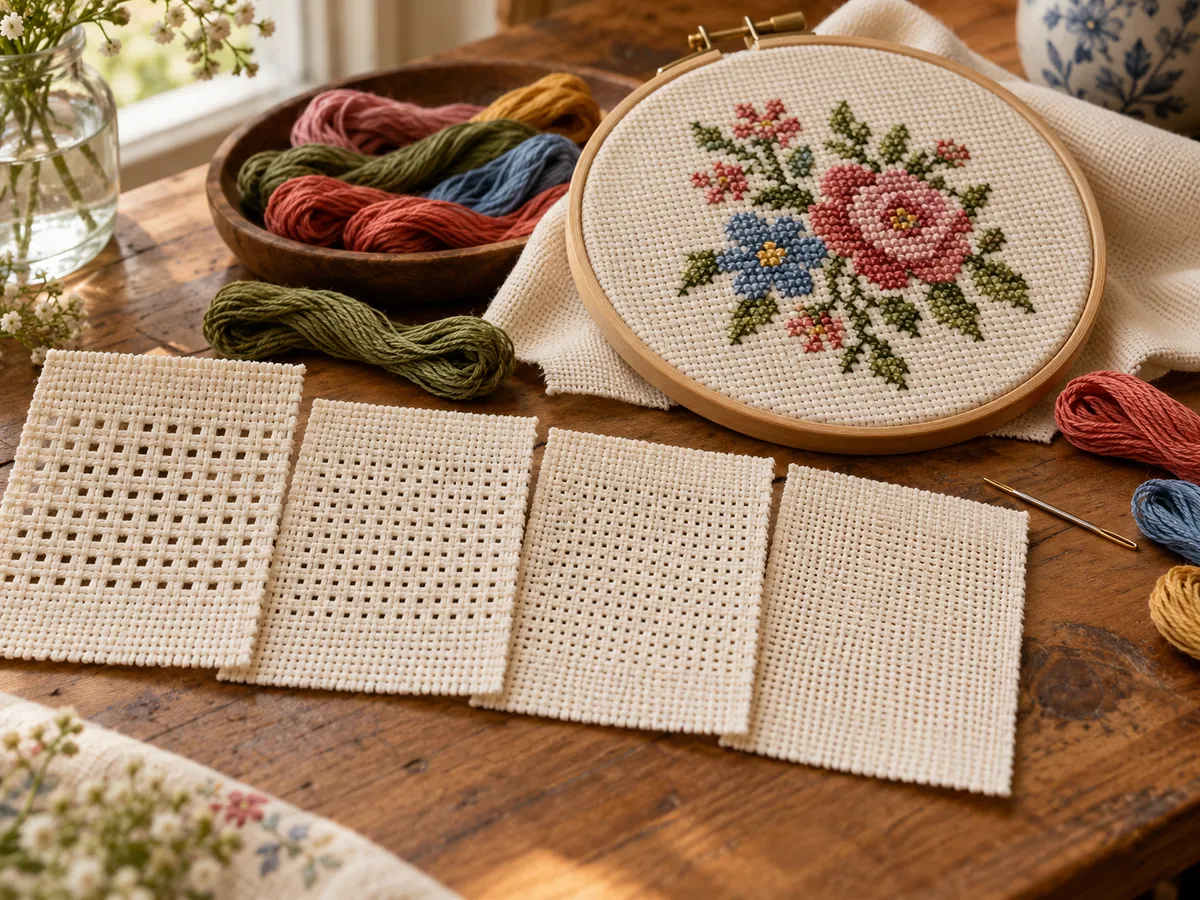 Aida Cloth Count Explained: 11, 14, 16 and 18Aida count is stitches per inch, so finished size = stitches ÷ count. See a size chart for 11, 14, 16 and 18 count and how much fabric to cut.
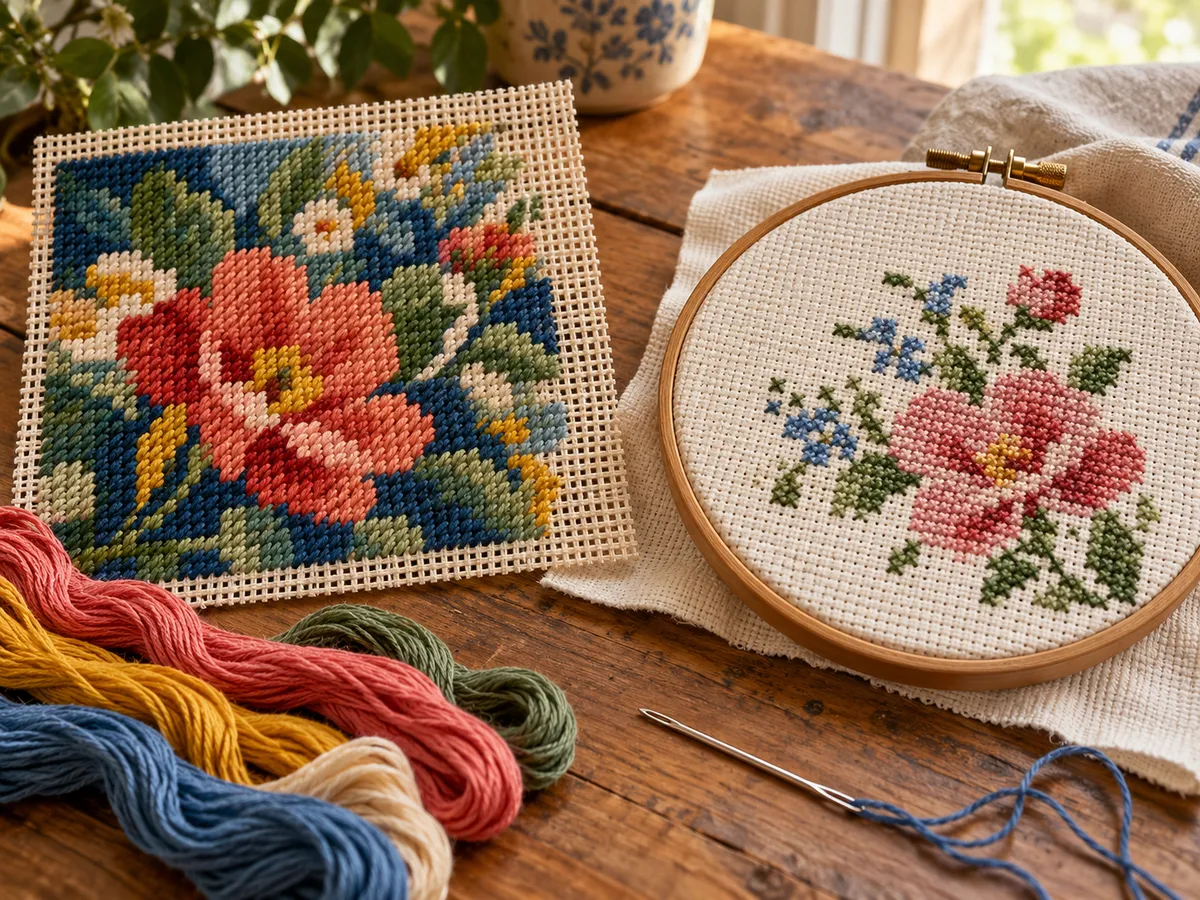 Needlepoint vs Cross-Stitch: Differences ExplainedNeedlepoint covers canvas fully, usually in tent stitch; cross-stitch makes X stitches on Aida and leaves fabric showing. Compare materials, sizing and uses.
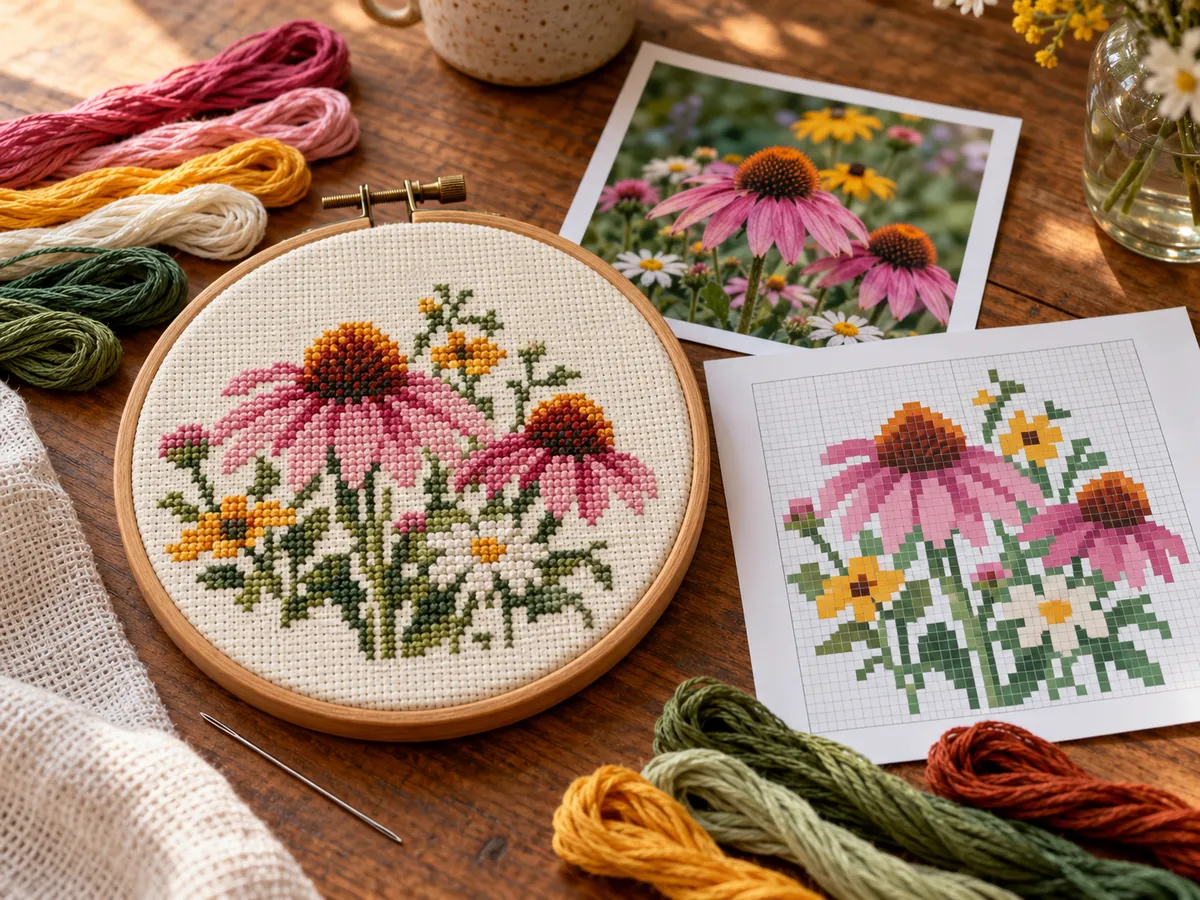 How to Turn a Photo into a Cross-Stitch PatternTurn a photo into a cross-stitch chart: pick a clear photo, set the width in stitches, reduce the colors, simplify the background and match floss yourself.
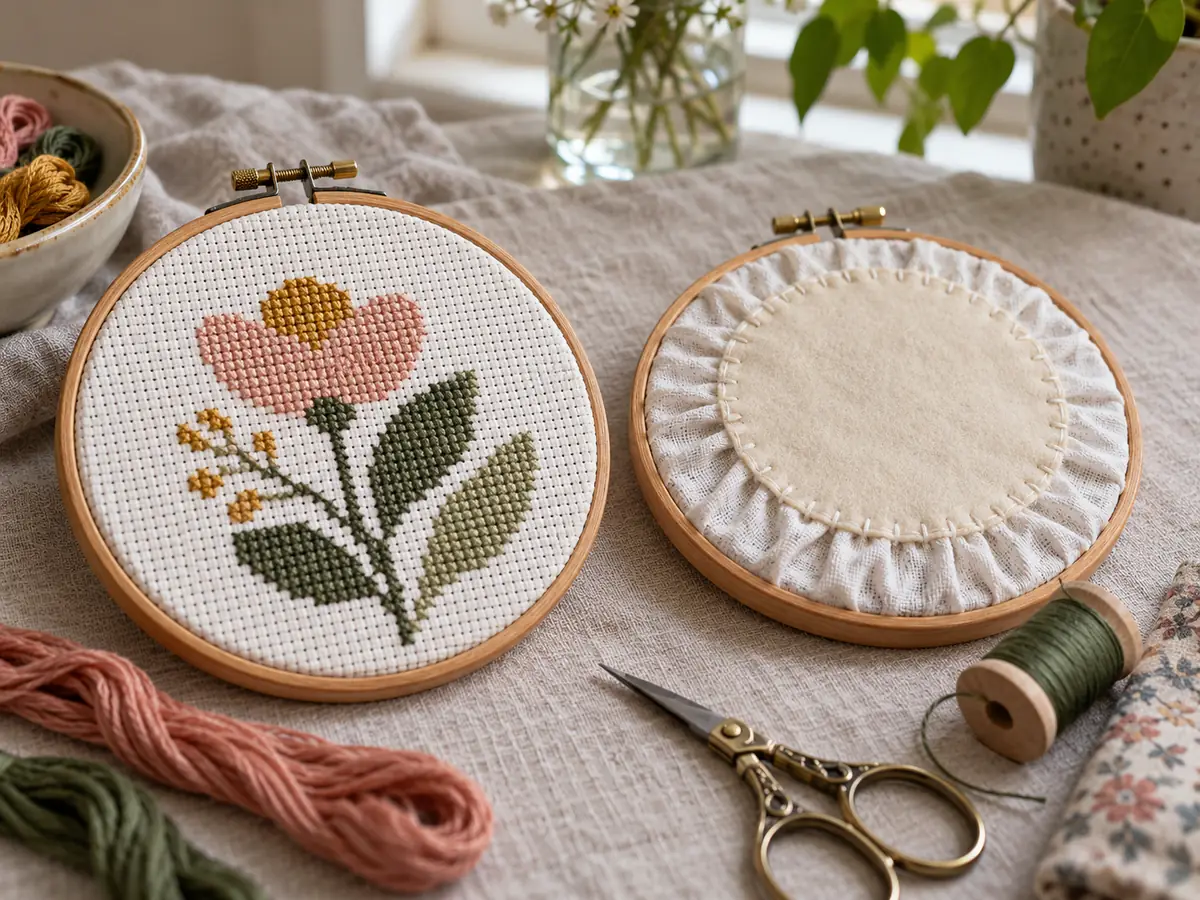 How to Finish a Cross-Stitch in a HoopHoop the stitching tight, trim to about 1", gather the edge with a running stitch and sew on a felt circle. Glue and no-glue methods compared.
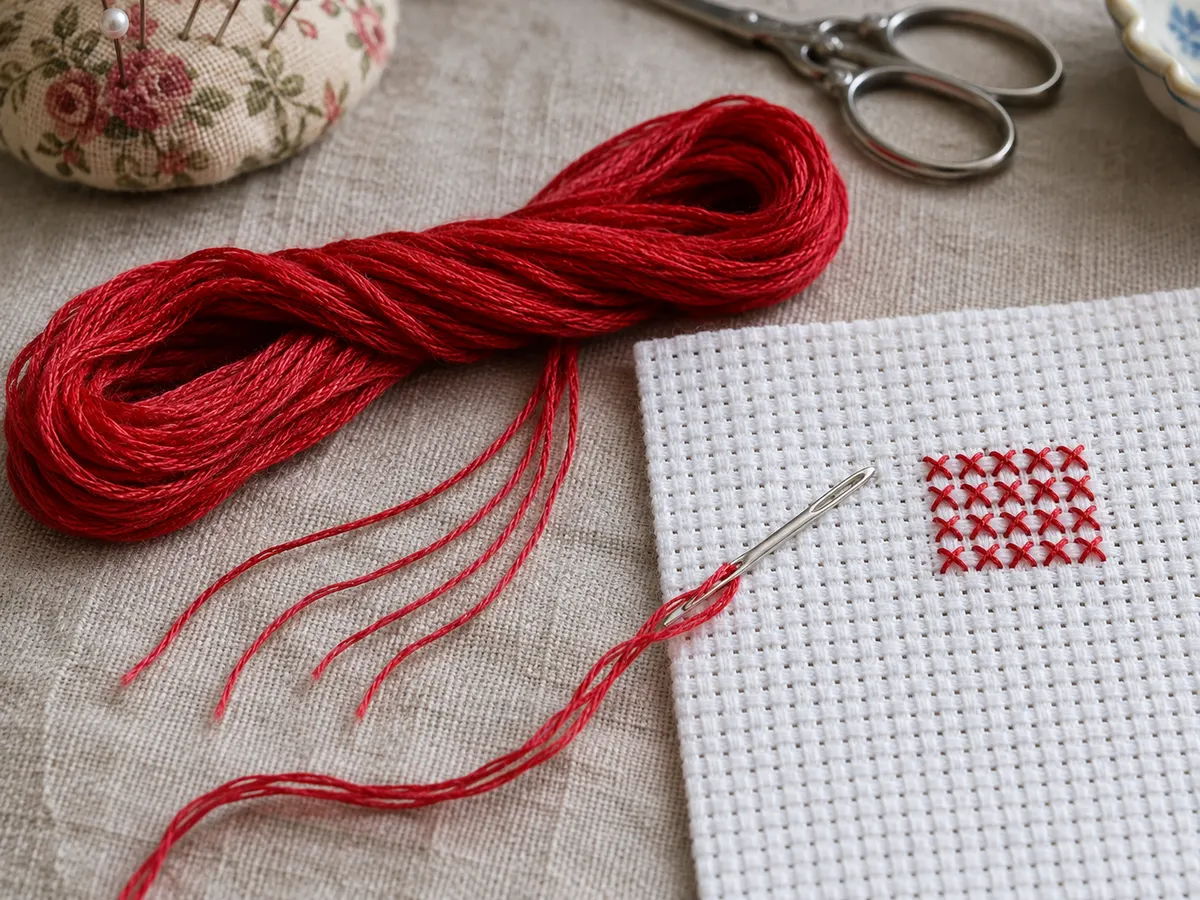 How Many Strands of Floss for Cross-Stitch?Use 2 strands on 14-count Aida, 3 to 4 on 11-count and 1 to 2 on 18-count. Chart by fabric count with needle sizes, evenweave and how to split floss.
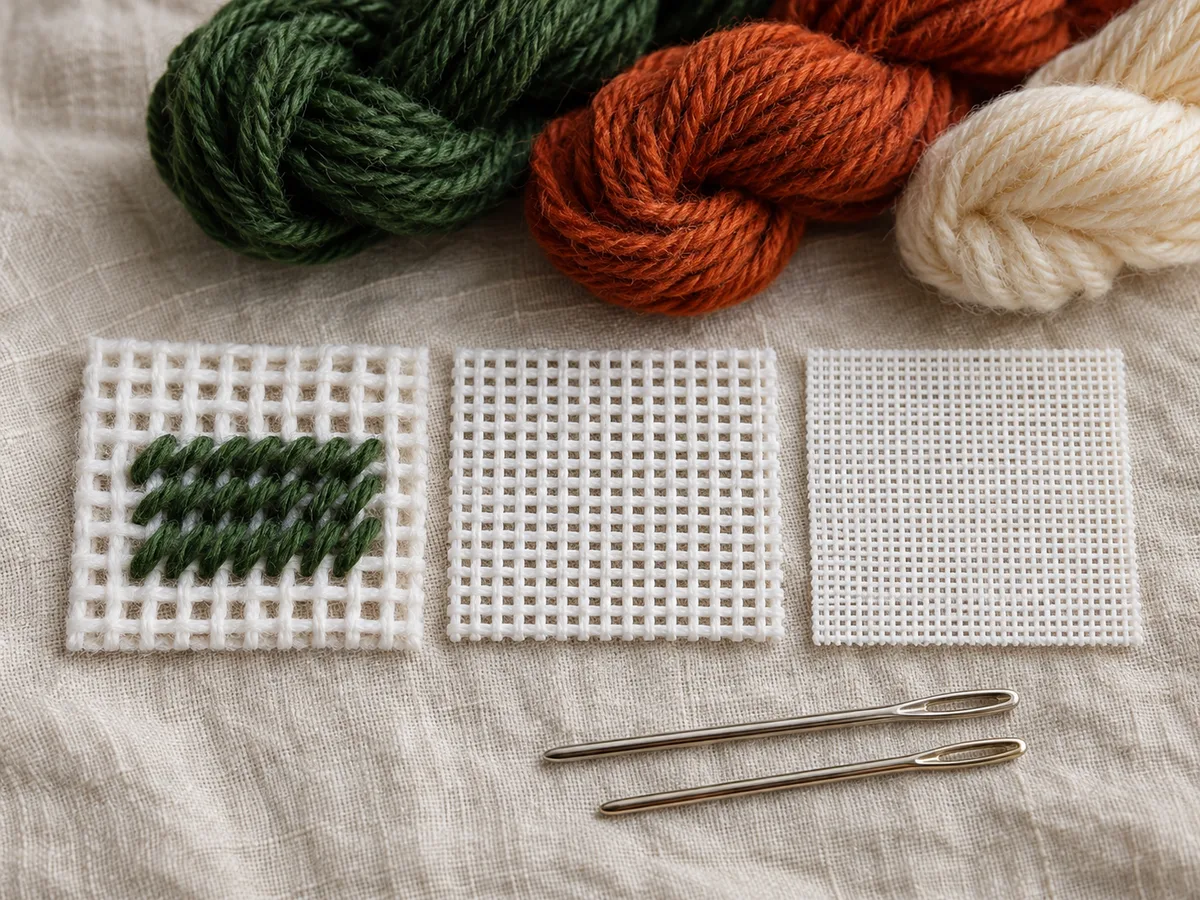 Needlepoint Canvas Mesh Sizes: 10 to 18 MeshMesh is holes per inch: 100 stitches are 10" on 10-mesh, 7.69" on 13-mesh, 5.56" on 18-mesh. Mesh sizes side by side with stitches per square inch and needle sizes.
Add this generator to your site
Free for your blog, guild page or class notes. Paste this code where you want the generator to appear. Keeping the credit line is appreciated, not required.